
Dreams World Pro 3D LWP - Google Play
You'll be able to see results in few seconds.
Publisher Description


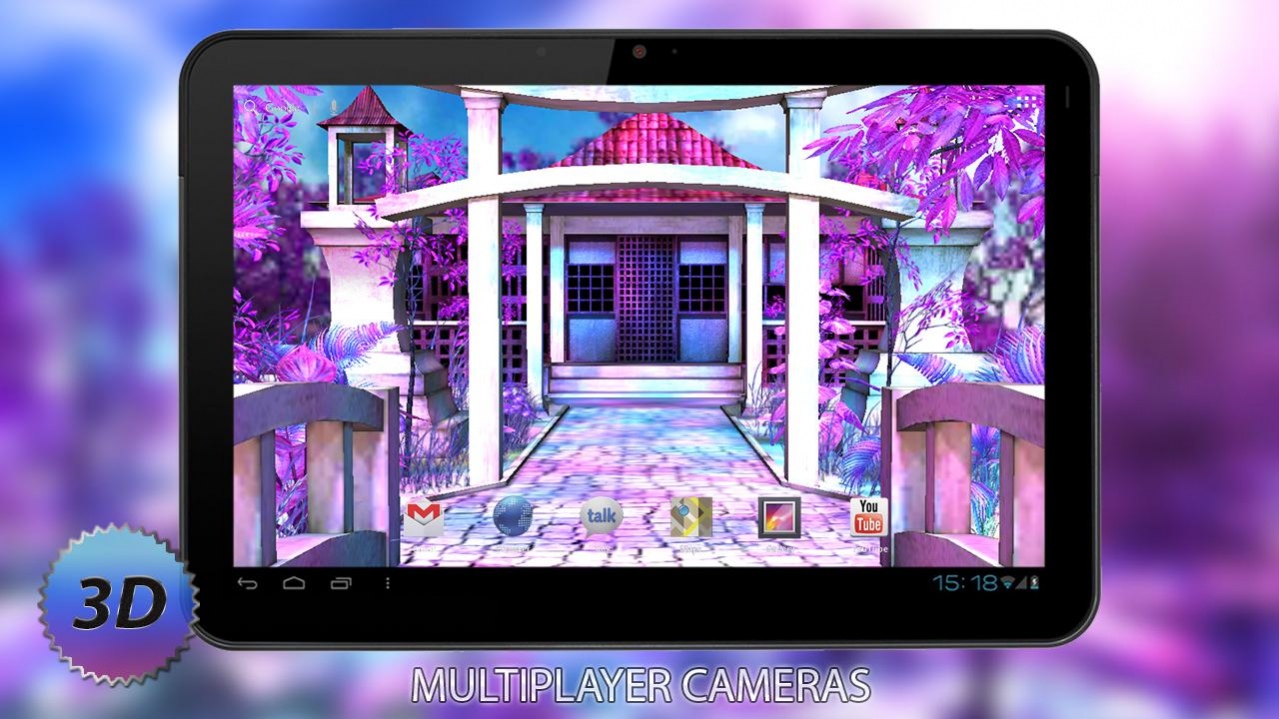


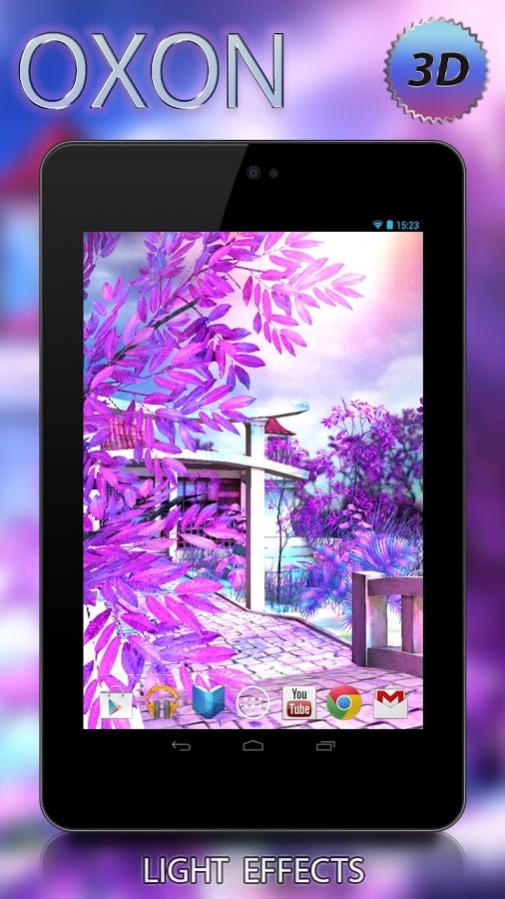

New, animated live wallpaper 3D, for your phone or tablet! Dreams Pro 3D some of the best 3D wallpapers for your phone or tablet. The new live wallpaper is a fantastic world filled with colorful futuristic colors. Immerse yourself in the world of dreams and fantasies with the new live wallpaper.
Manage and change many types of cameras and admiring the colorful and lush views. And if you are tired colors, the menu, you can select the display mode sepia or grayscale. Set the automatic change of time of day, and your phone will self-change design theme. Enable and configure various effects to create even more exciting pictures.
→ Main Feature Dreams Pro 3D:
● Real 3D!
● Supports a wide range of devices (handsets, tablets)
● Support for HD and FULL HD displays for phones and tablets
● Superbly crafted design
● The dynamic camera
● Graphics and texture HI quality
● Simulation scroll the screen for Samsung and others
● Quick access to the menu, double-tapu
● Support for installation on SD card
● 2 scene: day and night
● Automatically changing the time of day
● The mode sepia
● The mode grayscale
● 5 animated cameras
● 5 views cameras
● Management of lighting effects
● Accelerometer
● Automatic camera movement
ATTENTION: Set function and the option may be different in the free or paid version.
ARPAplus
social links (find more cool and quality games!):
💎
Facebook:
https://www.facebook.com/ARPAplus.mobile
💎
VK:
http://vk.com/arpaplus
💎
Twitter:
http://ow.ly/NWQ0W
About Dreams World Pro 3D LWP
The company that develops Dreams World Pro 3D LWP is ARPAplus. The latest version released by its developer is 1.0 .
To install Dreams World Pro 3D LWP on your Android device, just click the green Continue To App button above to start the installation process. The app is listed on our website since 2016-10-18 and was downloaded 0 times. We have already checked if the download link is safe, however for your own protection we recommend that you scan the downloaded app with your antivirus. Your antivirus may detect the Dreams World Pro 3D LWP as malware as malware if the download link to com.oxsionsoft.dreamspro is broken.
How to install Dreams World Pro 3D LWP on your Android device:
- Click on the Continue To App button on our website. This will redirect you to Google Play.
- Once the Dreams World Pro 3D LWP is shown in the Google Play listing of your Android device, you can start its download and installation. Tap on the Install button located below the search bar and to the right of the app icon.
- A pop-up window with the permissions required by Dreams World Pro 3D LWP will be shown. Click on Accept to continue the process.
- Dreams World Pro 3D LWP will be downloaded onto your device, displaying a progress. Once the download completes, the installation will start and you'll get a notification after the installation is finished.
Program Details
System requirements
Download information
Pricing
Version History
version
posted on 2016-10-18
1. Add shortcut and make OPEN button visible in google market
2. Bug fixes
version 1.0
posted on 2015-05-14
The best wallpapers for your gadget!
Disclaimer
Official Google Play Link
We do not host Dreams World Pro 3D LWP on our servers. We did not scan it for viruses, adware, spyware or other type of malware. This app is hosted by Google and passed their terms and conditions to be listed there. We recommend caution when installing it.
The Google Play link for Dreams World Pro 3D LWP is provided to you by apps112.com without any warranties, representations or guarantees of any kind, so access it at your own risk.
If you have questions regarding this particular app contact the publisher directly. For questions about the functionalities of apps112.com contact us.
